Electric Scooter Won’t Turn On? 10 Safe Checks Before Repair
By Alex at IonicRide · Updated 30 October 2026
Research-based guidance using manufacturer documentation. We have not tested the scooters shown.
Quick Answer
If your electric scooter will not turn on, check for damage first, then confirm the power-button procedure, battery temperature, approved charger and charging response. A dark dashboard, a scooter that will not accelerate and a scooter that cuts out are different symptoms. Stop home checks if there is battery damage, water exposure or a recurring electrical fault; do not open the battery or bypass its protection.
A scooter that worked yesterday can leave you staring at a blank display today. The cause might be straightforward, but the symptom does not prove that the battery needs replacing—or that a reset will fix it. The goal of these checks is to narrow the fault without creating another one or buying parts on a guess.
Work through the relevant checks once, using the manual for your exact model. Skip directly to professional help if there was an impact, water ingress, burning smell or visible damage. These are owner-level observations; they do not involve exposing battery cells, probing mains electricity or opening the controller.
First, choose the symptom that matches
| What you observe | Start here | Keep this distinction in mind |
|---|---|---|
| No display, light or response | Power-button and charging checks below | A blank screen alone cannot identify the failed part. |
| Display works but scooter will not move | App lock, activation, brake return and start procedure | The scooter has power; this is not a completely dead unit. |
| Works until it cuts out | Record load, temperature and warnings; seek diagnosis | Repeated shutdown while riding is a safety concern. |
| Display shows a code or repeated beeps | Record the exact model and code before resetting | Error meanings differ by model and firmware. |
| Charger connected but no charging indication | Approved charger, outlet and model-specific indicator checks | A green LED does not universally mean a healthy full battery. |
Do not charge a damaged battery
Swelling, leaking, unusual heat, hissing, smoke or a strong unusual smell are reasons to stop. Keep people away; leave the area and contact emergency services if smoke or fire develops. Do not carry a smoking scooter through the building or open its battery compartment to investigate.
10 checks before booking a repair
1. Confirm the exact power-on procedure
Check the model label and manual, then use the specified button press or key sequence. Release the throttle and brake before normal startup unless the manual says otherwise. Look for a faint display in shade and check whether lights or sounds respond. A screen that is difficult to see in direct sun is a different problem from a device with no response at all.
Do not keep increasing the hold time or press random combinations. That can enter a different menu or erase information useful for diagnosis. Note whether the button moves normally; do not pry it out, spray liquid into it or force it with a tool.
2. Check for an app lock or incomplete activation
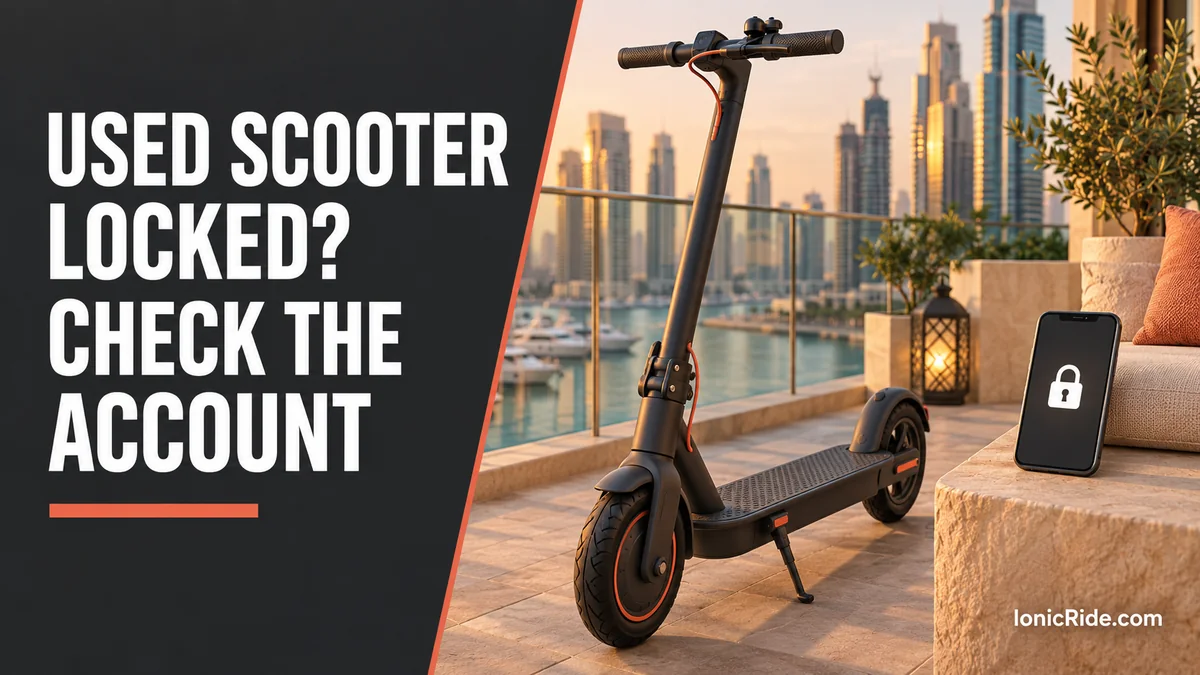
If the display is alive, open the official app using the account already paired with the scooter. Check its lock and activation status and read any warning. A working dashboard with no acceleration should not immediately be diagnosed as a dead battery. For a second-hand unit linked to another owner, request a proper account transfer rather than a bypass.
Follow the documented kick-to-start procedure only after the brakes, steering and tyres pass their normal checks, and only in a safe permitted place. Do not raise the scooter and run its driven wheel at speed to see what happens. An unresponsive throttle, a stuck brake lever or a fault message belongs in the service notes.
3. Consider temperature and recent storage
Was the scooter parked in direct UAE sun, left in a vehicle or brought in immediately after a hot ride? Move an otherwise undamaged scooter to a dry, shaded, suitable environment and let it return naturally to the manufacturer’s permitted range. Do not use a freezer, water or forced cooling. Ambient room temperature alone does not show the temperature inside the battery.
Limits vary. For example, Xiaomi’s 5 Plus power-on guidance says that model cannot charge below 0°C or above 40°C. Those are not universal scooter limits. Look up the separate operating, storage and charging limits for your own unit. See our Dubai summer scooter guide for planning a suitable storage location.
4. Rule out a failed wall outlet safely
Use a known-working, undamaged outlet suitable for the supplied charger. If the socket is loose, scorched, buzzing or smells abnormal, stop using it and ask building maintenance or an electrician. Do not remove the socket faceplate or test live contacts. Avoid treating a questionable extension lead as a way around an outlet problem.
Inspect the charger’s external cable and casing while unplugged. A cracked connector, crushed cable or heat-damaged plug is a reason to stop. Record the charger model so the seller or manufacturer can verify a replacement if needed.
5. Confirm that the charger is approved for this scooter
Use the original charger or a replacement explicitly approved for the exact scooter and battery. Matching the connector or a headline voltage is not enough. The CPSC’s charger compatibility warning advises against unapproved universal chargers because an apparently suitable plug can still connect an unsafe combination.
If the charger is missing, ask the manufacturer or authorised seller for the correct part number. Avoid buying a “stronger” charger to recover a flat battery. Our charger fault and replacement guide helps organise the questions to ask before ordering.
6. Inspect the charging port from the outside
With everything disconnected, look for obvious damage, moisture or debris around the port and its cover. Do not insert metal objects, bridge contacts or use a liquid spray. If the port is wet or damaged, stop and follow the manufacturer’s service advice. A dry-looking outside surface does not establish that a scooter exposed to water is safe to charge.
Only connect the charger in the order specified by the manual. Make sure the connection seats normally without forcing it. If it needs pressure at an odd angle to work, disconnect it and arrange inspection instead of holding or taping the plug in place.
7. Observe one normal, supervised charging attempt
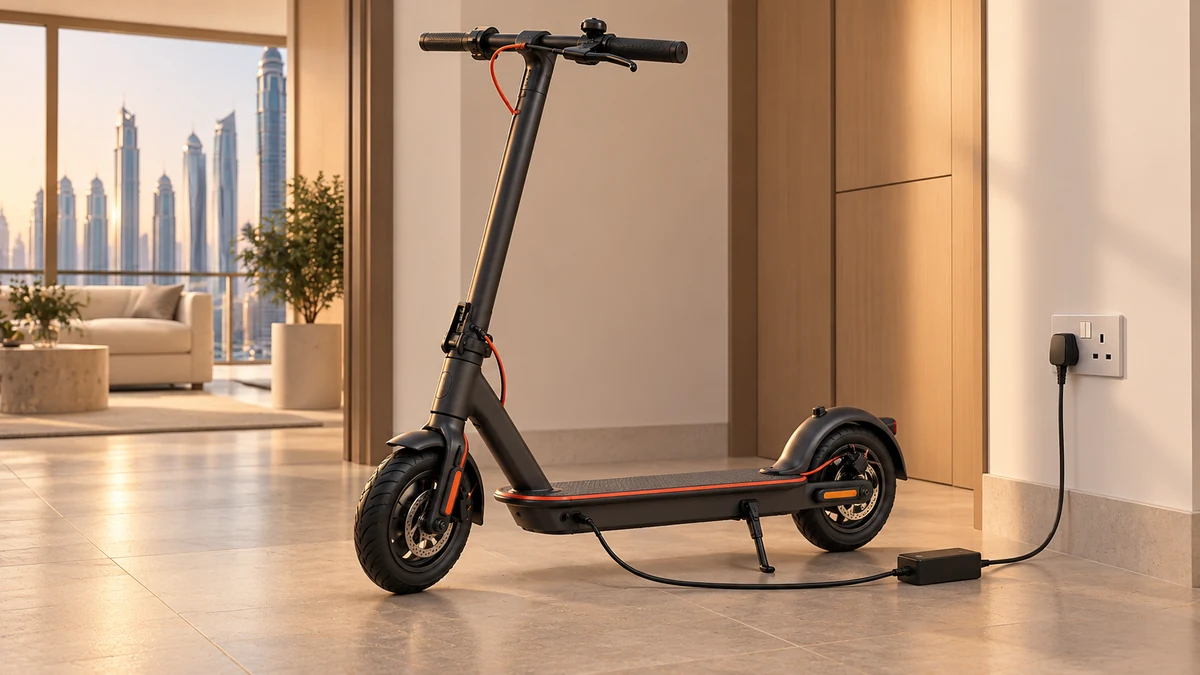
If the checks above reveal no damage and the manufacturer permits charging, watch the charger and dashboard indicators. Follow the model’s normal instructions and remain present. Do not leave a completely unresponsive scooter charging overnight in the hope that it will recover. Stop if there is abnormal heat, smell, noise or behaviour.
Interpret LEDs using the manual. Xiaomi’s 4 Lite no-power guidance directs owners to after-sales inspection if the dashboard shows no charging indication, and also identifies a stuck power button as a service issue. That evidence does not let you distinguish a charger fault from a battery fault solely by colour.
8. Check the history: long storage, water, impact or repairs
Record how long the scooter was unused, whether it was stored empty and whether the problem followed rain, a fall or a component change. These details change the next diagnostic step. A scooter that stopped after a crash should not go through repeated charging and reset attempts just because the enclosure looks mostly intact.
Xiaomi’s 4 Pro (2nd Gen) support FAQ notes that long uncharged storage can cause over-discharge and directs the owner to after-sales service. Do not attempt to jump-start cells, disconnect protection wiring or connect a second battery. Use our guide to a battery that will not charge to prepare a clear fault description.
9. Record warnings before considering a restart
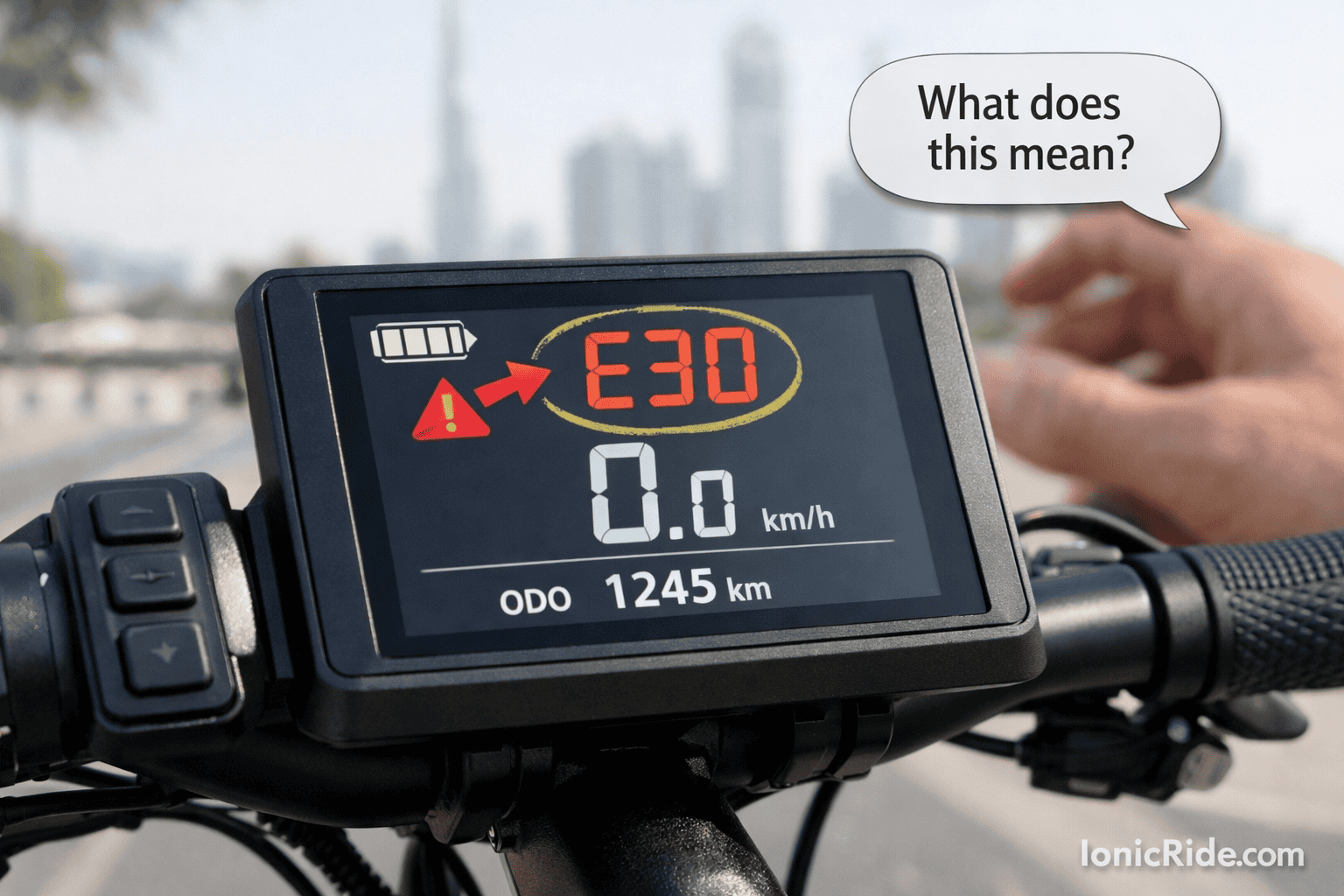
If the scooter powers on far enough to show a code, write down every digit and the exact model. Photograph the warning when stationary. The same number can mean different things on different controllers, so an “all brands” code list is not a substitute for the manual.
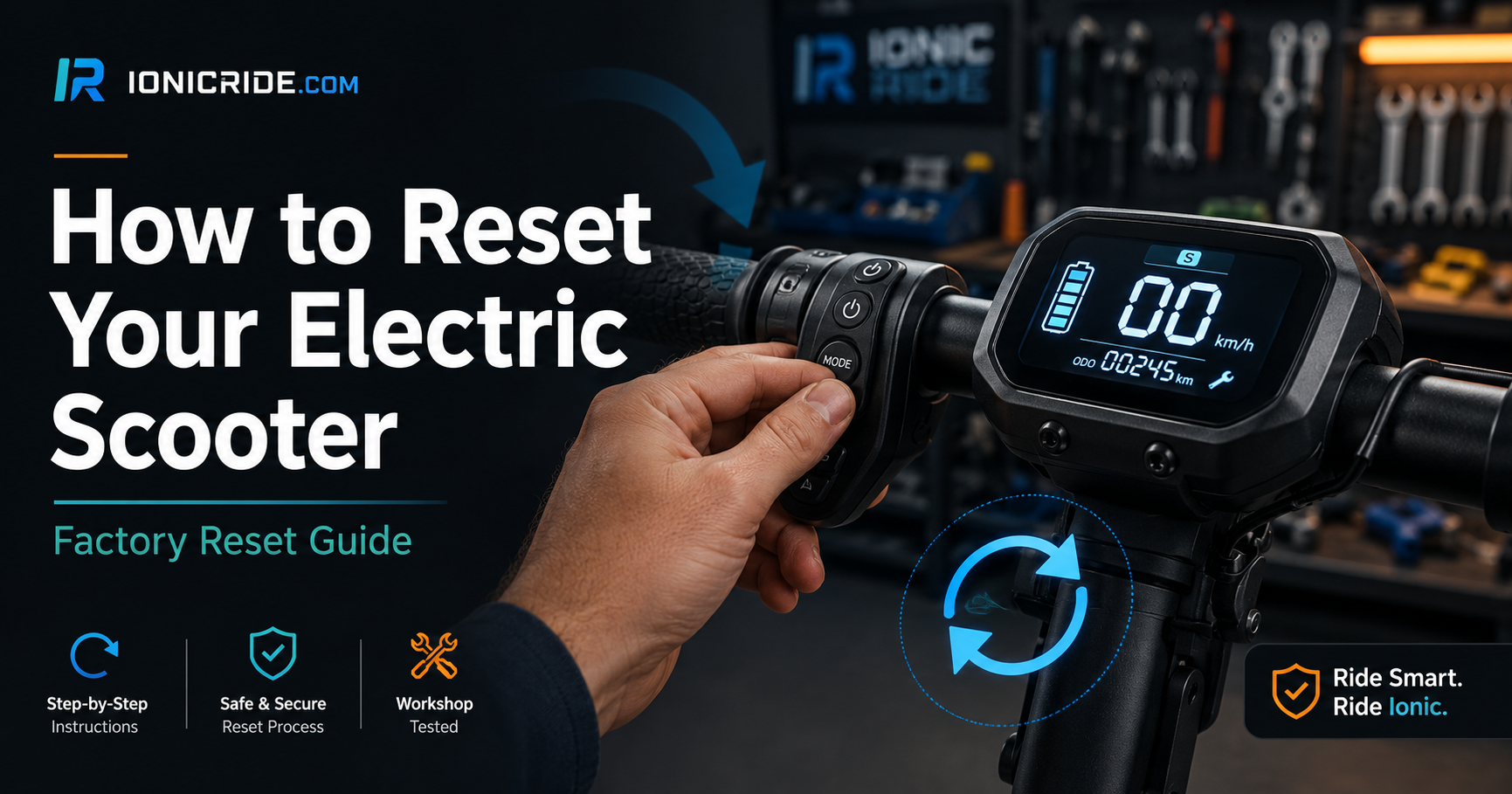
Try the ordinary shutdown and restart only when appropriate for the symptom. A factory reset is a separate operation that may erase data and requires the scooter to respond. Our model-specific reset guide explains that distinction. Repeatedly clearing a fault does not resolve its cause.
10. Stop at the boundary of owner-level checks
If the scooter remains unresponsive with the correct charger, suitable conditions and no obvious external explanation, book a diagnosis. Battery, dashboard, button, wiring and controller faults can overlap. Buying each part in turn may cost more than identifying the fault first, and opening sealed assemblies may affect warranty coverage or water sealing.
Do not replace a fuse with a higher rating, bridge a fuse, open the battery pack or bypass the BMS. Ask the service provider to identify the failed component and explain the evidence before authorising a replacement. Prices depend on the actual model and fault, so this guide does not offer an invented universal repair quote.
What a useful repair request should include
| Information | Example of a useful note |
|---|---|
| Model and age | Full model/generation, purchase date and warranty record. |
| Exact symptom | “No display on battery; charger indicator changes but dashboard stays dark.” |
| When it started | After storage, a ride, rain exposure, impact or recent repair. |
| What you checked | Approved charger, outlet, temperature and the manual’s startup procedure. |
| Approval boundary | Request diagnosis and a written quote before parts are replaced. |
Ask whether the quote includes diagnosis, labour, the exact replacement part, sealing and a post-repair function check. Keep the failed-part explanation with the receipt. If battery damage is suspected, ask how the service provider wants the scooter transported; do not ride it to the workshop to reproduce the fault.
Frequently asked questions
Why is the charger green but the scooter still dead?
The meaning depends on the charger and model. It may indicate that no charge is flowing; it does not prove the battery is healthy. Compare the manual’s indicator description and seek service if the scooter remains unresponsive.
Can I fix it by holding the power button for 30 seconds?
Only use a duration documented for your model. A long press is not a universal battery reset, and it cannot repair a damaged charger or internal component.
Why does the display work but the motor not start?
Check activation, the app lock, error messages and the documented start procedure. A stuck brake control or hardware fault also needs attention. Do not assume the battery is dead when the dashboard is operating.
Is a battery replacement always necessary?
No. A blank dashboard does not identify one failed part. Have the charger and scooter diagnosed before buying a battery, and use only an approved compatible replacement if one is needed.
Can I keep using it if it starts again after cooling?
Not if warnings recur or it cuts out during normal use. Check the permitted temperature range and have recurring shutdowns investigated before riding again.
Bottom Line
Check the simple external causes, make one appropriate supervised charging attempt, and preserve the evidence. When those checks do not explain the fault, diagnosis is the next step. A safe repair starts with identifying the failed system rather than trying a universal reset or buying an unverified charger.