Used Electric Scooter Locked to the Previous Owner? Transfer and Unbinding
Quick answer
Ask the seller to remove the scooter from their app account first. That is the cleanest fix. If they cannot, contact the manufacturer or original retailer with your proof of purchase. Do not rely on lock-removal tricks, and do not pay for a used scooter until the seller has removed it from their account in front of you.
This guide is for honest buyers whose scooter is tied to someone else’s app account. If the app simply cannot find the scooter, check your phone settings and manual first. A failed Bluetooth pairing and an account lock are different problems.
How this guide was made: IonicRide has not gone through these support cases itself. Manufacturer pages were checked on 3 November 2026. Where only an independent guide was available, we say so. No brand page we found promises to unlock every used scooter.
Is it really an ownership lock?
| Sign | What it probably means | Next step |
|---|---|---|
| The app cannot find the scooter | Bluetooth or phone settings | Check permissions, distance and app version |
| The app says the scooter is linked or bound to another account | Account lock | Contact the seller |
| The scooter asks for a PIN or shows as locked | A rider lock may be active | Ask the seller for the code or to remove it |
| The seller says “just factory reset it” | May not clear the account link | Ask them to delete it from their app first |
Step 1: Ask the seller to remove it
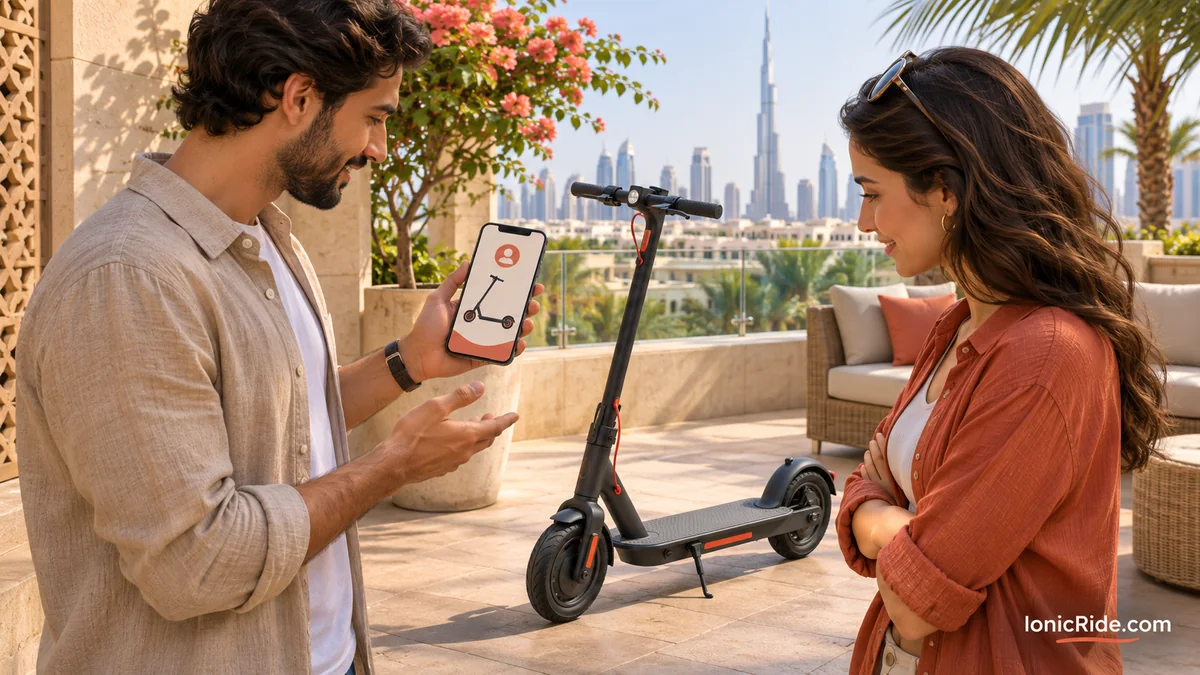
This is the first route for the brands below. The seller needs their phone and the account used for the scooter.
Xiaomi
Xiaomi’s Electric Scooter Elite page says to unlink the scooter from the old account in the app before adding it to a new one. Its pages for other models show how:
- On the Mi Electric Scooter 3, the owner deletes it from the vehicle page, or presses and holds it on the app’s home screen.
- On the Electric Scooter 5 Max, the owner deletes it from the app, then follows a button sequence on the scooter.
Button sequences vary by model, so use the page or manual for your exact scooter. Our Xiaomi model guide can help you identify it.
Segway-Ninebot
We could not open an official Segway page with these steps. An independent guide shows the account holder choosing “Unbind” in the app’s settings, then entering a code sent to the account email. App menus can change, so confirm this with Segway support. Segway also lists a separate support article on unbinding with Apple Find My, but its text did not load for us, so ask support if Find My was used. See our Segway-Ninebot guide to confirm your model.
NIU
NIU’s support page says the first account becomes the owner, and later accounts need that owner’s approval. This shows why the original owner matters.
Step 2: If the seller cannot help
Contact the brand or the original seller, and share the facts honestly. Xiaomi gives one clear case: if an account was deleted by accident while the scooter was still paired, it says to contact after-sales support with the purchase receipt. This does not promise the same result for a private used sale. Your own receipt may not prove the original purchase.
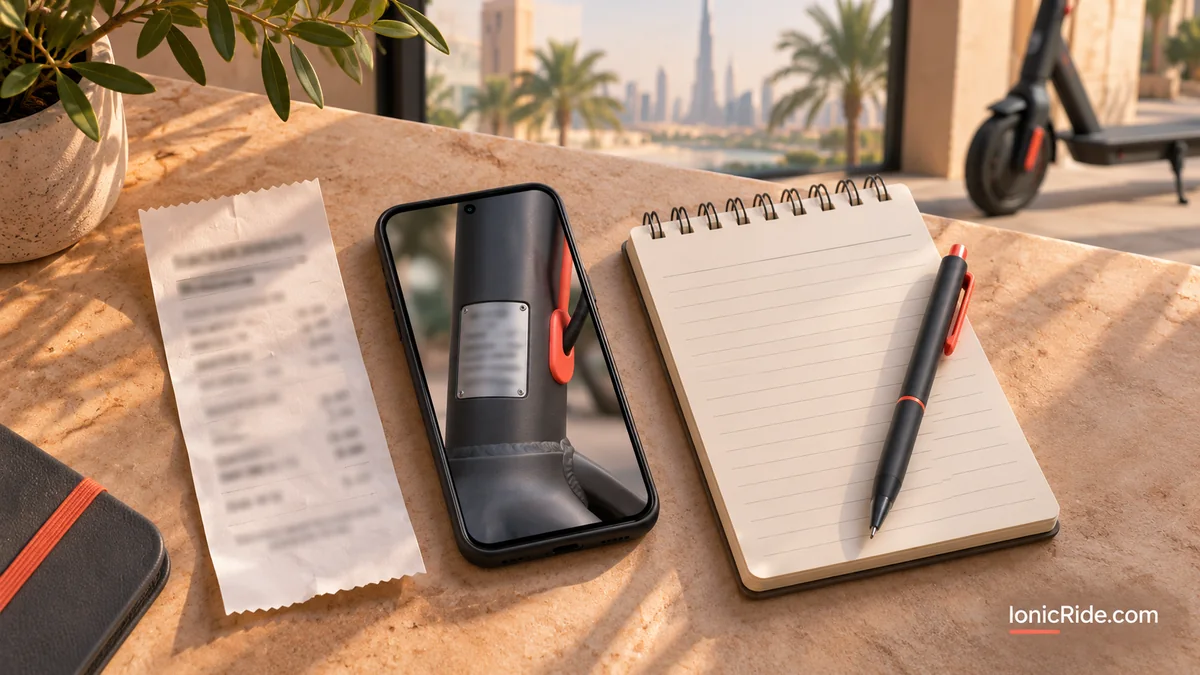
Prepare these before you make contact:
- Photos of the model label and serial number
- The original invoice, if the seller has it
- Your receipt or written sale record, with date and price
- Seller messages and the original advert
- A screenshot of the app’s error message
Step 3: If nobody helps
If the seller disappears and the brand refuses, you may be left with a scooter whose app features do not work. Ask the seller for a refund using your written record. If you suspect it may be stolen, stop trying to unlock it and take advice from the police.
Avoid lock-removal shortcuts
Do not use unofficial firmware or paid “unlock” services. In our view, they risk damaging the scooter and affecting support, and they could hide a theft problem.
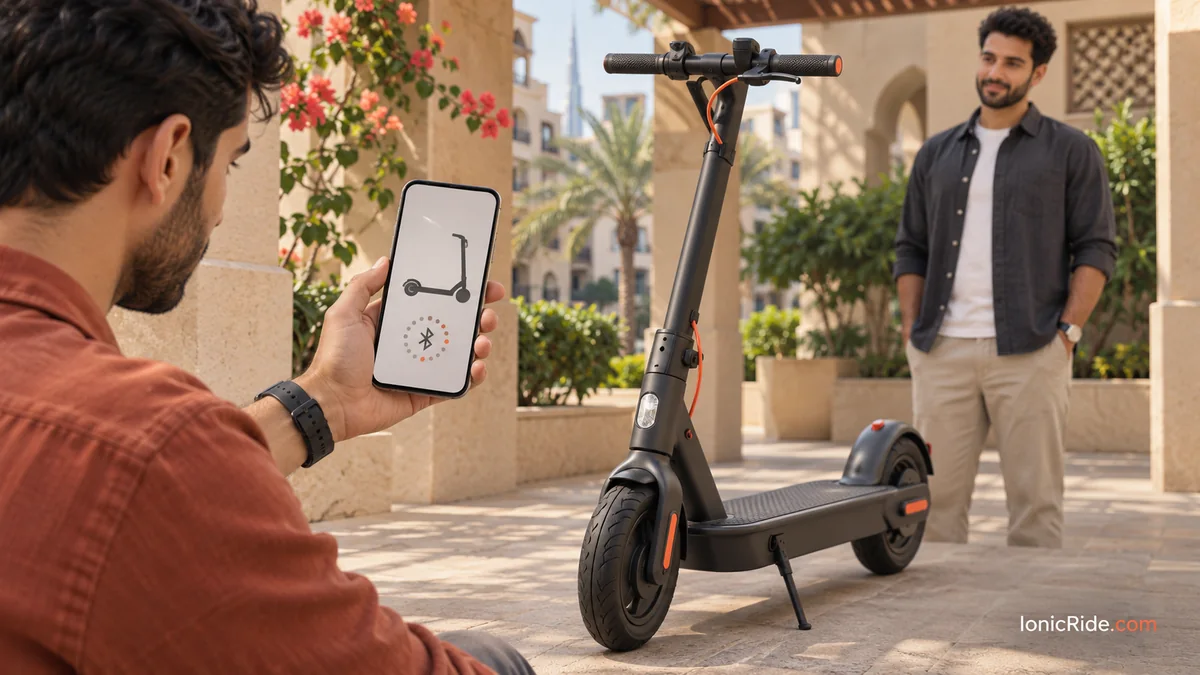
Checklist before you pay
- ☐ Meet the seller with the scooter powered on
- ☐ Ask them to open the app and show the scooter on their account
- ☐ Watch them remove it, then add it to your own account
- ☐ Confirm you can connect and use the normal app features
- ☐ Ask for any PIN or lock to be removed
- ☐ Match the serial number to the invoice
- ☐ Get the seller’s name and a written sale record
- ☐ Pay only after these checks work
Treat a seller’s refusal as a warning sign. A genuine owner should be able to explain why they cannot do this. For other used-purchase checks, our used e-bike inspection guide covers similar battery and brake questions.
FAQs
Will a factory reset remove the old account?
Do not assume so. Xiaomi’s method for the 5 Max begins by deleting the scooter from the app, which the account owner does. Our reset guide covers resets, but ask the manufacturer about ownership on your exact model.
Can a shop remove the lock?
Ask for an authorised service route and proof that the method is approved. Do not accept unofficial firmware.
Can I use the scooter without the app?
It depends on the model. Some features or activation may need the app. Test this before paying.
Bottom line
The old owner’s account is the first key. Get the scooter removed before money changes hands. If it is too late, gather your evidence and contact the seller and brand. Without proof, a fix may be hard to get, so check everything at the handover.
Related guides
- When your scooter will not connect by Bluetooth
- Used electric scooter checklist for Dubai
- Finding your scooter model and serial number
- Electric scooter shops in Dubai compared
Sources
By Alex at IonicRide. Sources checked 3 November 2026.