Buying a Used Electric Scooter in Dubai: Inspection Checklist
Quick answer
Before paying, confirm the seller’s right to sell, the exact model, the original charger and the app account. Then check the frame, folding joint, brakes, tyres and battery for visible problems. A short test cannot prove battery health, so walk away from any scooter with a damaged battery, signs of water or modified parts.
How this guide was made: This checklist uses manufacturer manuals and RTA rules, checked on 3 November 2026, plus IonicRide analysis. IonicRide does not inspect scooters. A visual check cannot guarantee that a used scooter is safe. If you are not sure, ask an authorised service centre to inspect it before you pay.
Step 1: Check the seller and paperwork
- Original invoice. It should show the model and, ideally, the serial number. Warranty may depend on it.
- Serial number. Match the label on the scooter to the invoice or box.
- Exact model. Check the full name, as generations can differ in weight and specifications.
- Warranty terms. Ask the brand or retailer whether any remaining warranty moves to a new owner. Do not assume it does. Segway’s warranty page is one place to start.
- Written record. Keep the seller’s name, price, date and the advert.
- Manual. Segway says its MAX G2 manual should stay with the scooter.
A very low price with no invoice, or a seller who avoids these questions, is a warning sign.
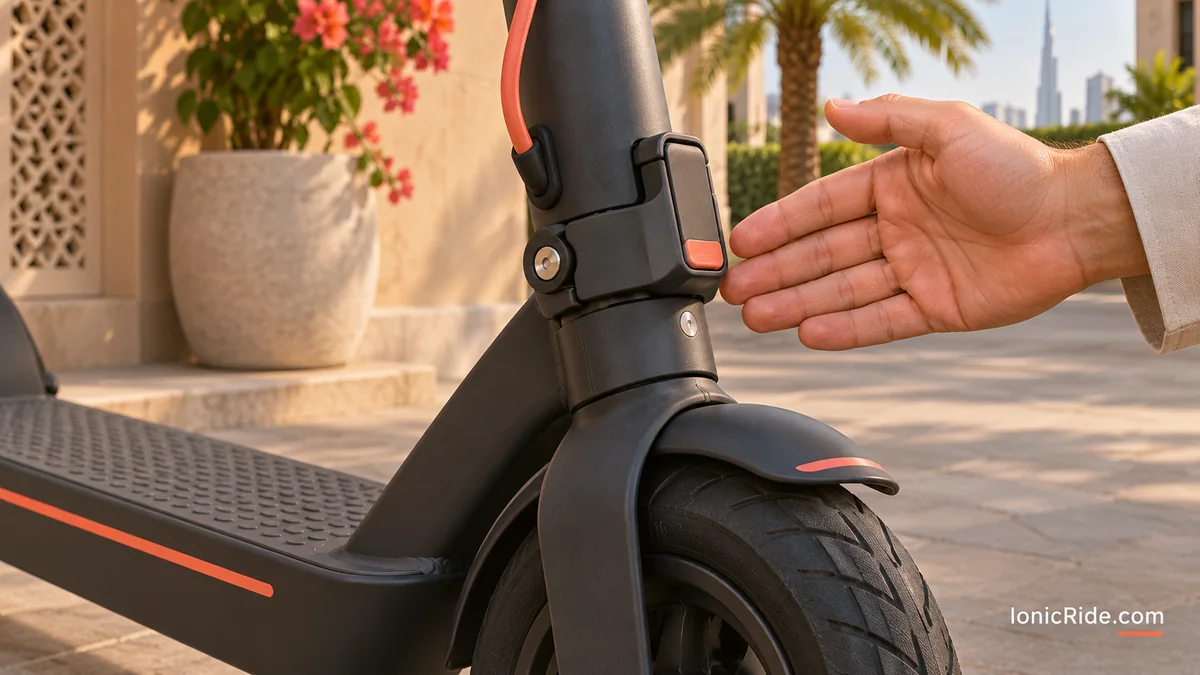
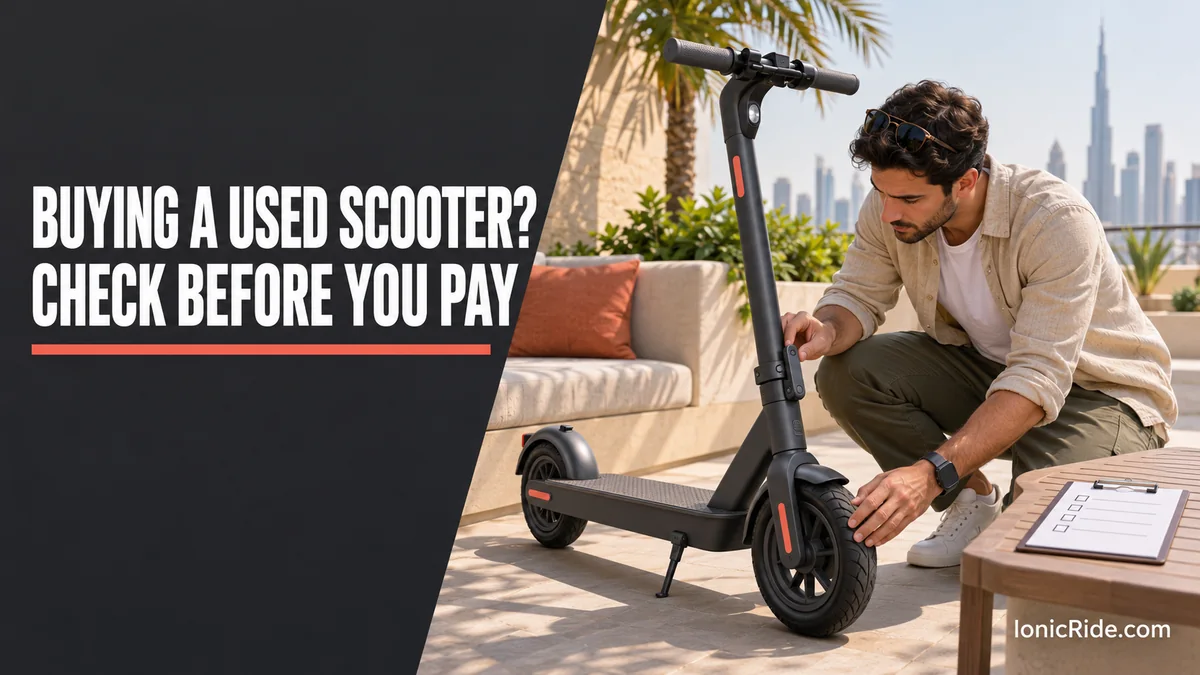
Step 2: Inspect the scooter
| Part | What to look for | Treat as a red flag |
|---|---|---|
| Frame and deck | Look around welds, the neck and the deck. Check under the deck for scrapes. | Cracks, bends or fresh paint hiding repairs |
| Folding joint and stem | Fold and unfold it. Lock it, then gently rock the handlebars while holding the front brake. | Movement, wobble or a latch that will not lock fully |
| Brakes | Squeeze each lever. Push the scooter with each brake applied. | Wheel still turns, lever reaches the grip, or grinding noise |
| Tyres | Look for cracks, cuts and worn tread. Check the pressure against the manual. | Damage, sealant leaks or a tyre that will not hold air |
| Wheels | Lift each wheel and spin it. | Rubbing, grinding or a wheel that wobbles |
| Lights and horn | Test the front light, rear light and bell or horn. | Anything missing or not working. Dubai riders need working lights. |
| Controls and display | Start it, look for error codes and test the throttle gently. | Error codes, sticky throttle or sudden shut-off |
| Screws and panels | Check for missing screws or damaged covers around the battery and controller. | Signs the scooter was opened, or added wiring |
This table is IonicRide’s checklist, based on common parts. If you hear rattles or grinding, see our noise guide.
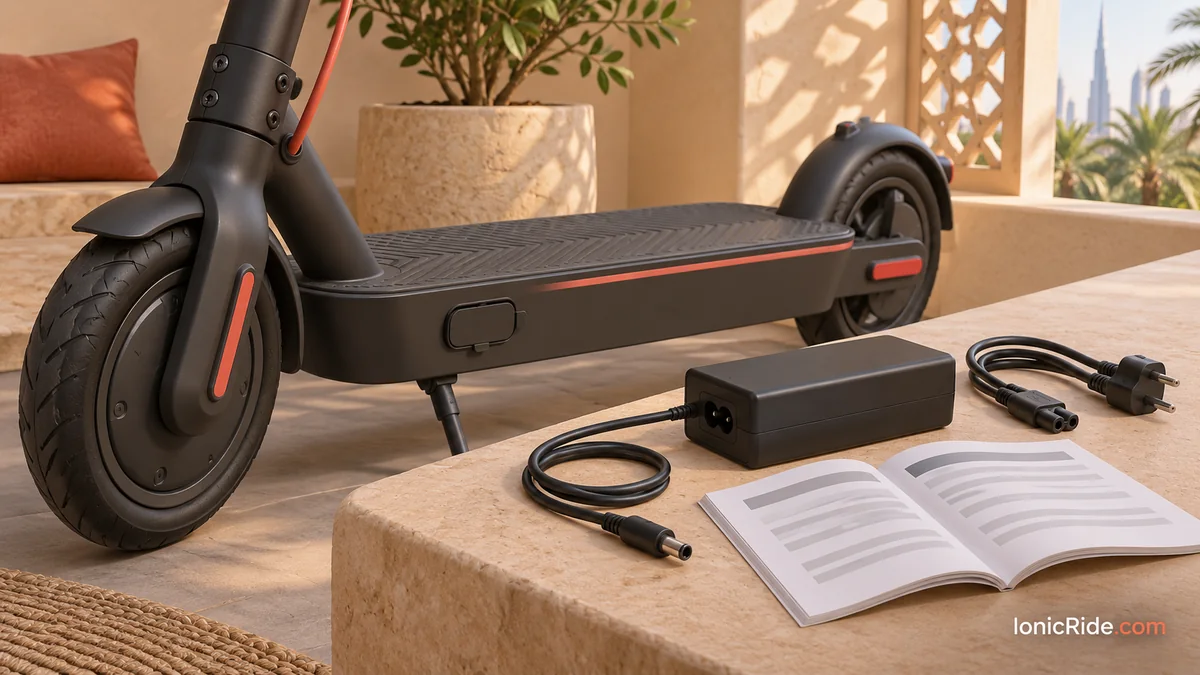
Step 3: Battery and charger
Batteries are often the most expensive question, and a brief inspection cannot answer it. A full display does not prove the battery is healthy, and a short ride will not show how far it can go.
What you can check safely:
- Is the charger the original one for this model? Segway says to use only the original charger and battery.
- Does it begin charging normally? If it will not, read our battery-not-charging guide before paying.
- Do the battery covers look undamaged, with no swelling, smell, heat or signs of water?
- Does the seller know its age, charging habits and any replacement history? Treat this as a claim unless they have proof.
Do not open the battery. If the scooter sat unused, also note that some models go to sleep: the MAX G2 manual says a battery below 30% left off for about seven days enters sleep mode until charged.
Walk away if the battery looks wrong
Segway says not to charge or use a battery that is damaged or shows traces of water, because of fire risk. Do not buy it hoping to repair it later.
Step 4: Modified scooters
A scooter that goes faster than the seller’s listing suggests may have been changed. Segway’s manual prohibits modifying the scooter or its software, and says this loses the warranty. RTA’s Metro carriage rules also ban modified parts and dual batteries. Treat “unlocked” as a reason to walk away.
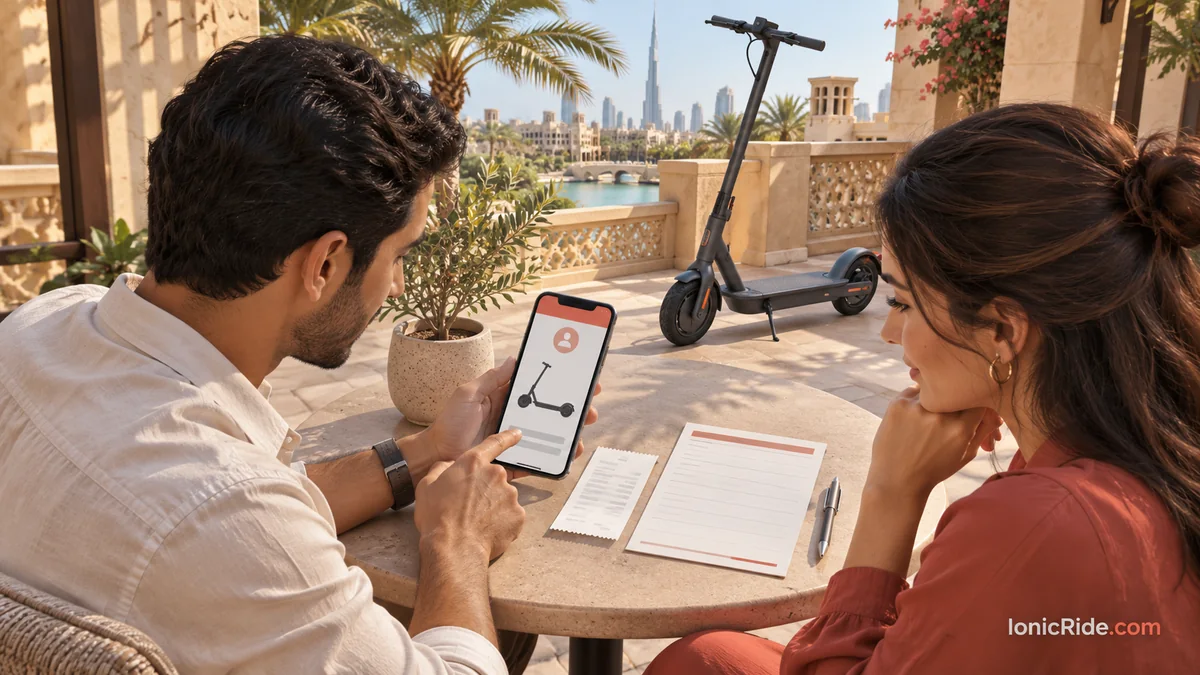
Step 5: App account and activation
Many scooters are linked to an app account. Before paying, ask the seller to remove the scooter from their account, then add it to yours. Segway’s MAX G2 manual says an unactivated scooter beeps and stays limited to 15 km/h, so finish this at the handover.
- Remove any PIN or lock.
- Confirm that the scooter connects to your phone.
- Do not accept “reset it later” as a promise.
Step 6: Will it suit your legal use?
A scooter on sale is not automatically suitable for public riding in Dubai. Check:
- Can it be set to a suitable speed? The National reports that e-scooters are limited to 20 km/h on designated routes.
- Does it have working lights and brakes?
- Do you have the right permit or an exemption? See our permit guide.
- Do you need it for the Metro? Weight and folded size both matter, and RTA has further conditions.
- Have you read the current Dubai e-scooter rules?
Rider-weight limits still apply, so also compare your weight with the scooter’s listed load. See our weight limit guide.
Short test ride
Ride only in a legal, safe place and with a helmet. Start slowly, and stop if anything feels wrong. Check steering, braking, throttle response and any noises. Ask the seller to stay with you, and never test ride on a road or in a crowded area.
Printable checklist
- ☐ Seller name and written record
- ☐ Invoice and matching serial number
- ☐ Exact model confirmed
- ☐ Original charger and manual
- ☐ No frame cracks or repairs
- ☐ Folding latch locks with no wobble
- ☐ Both brakes work
- ☐ Tyres undamaged and holding air
- ☐ Lights and horn work
- ☐ No error codes
- ☐ No battery damage, swelling, smell or water signs
- ☐ No signs of modification
- ☐ Removed from the seller’s app and added to yours
- ☐ PIN or lock removed
- ☐ Warranty status confirmed in writing
Buying an e-bike instead? Use our used e-bike inspection guide.
FAQs
Can I tell battery health from the display?
No. The display shows the charge level, not a full health check. Ask the brand or an authorised service centre whether your model has a proper diagnostic.
Should I buy without an invoice?
That adds risk, because warranty and ownership are harder to prove. At the very least, get a written record and see the seller remove the scooter from their app.
How much should I pay?
We have not set a discount rule, because condition and battery age matter so much. Compare the price with the same new model, and allow for replacement parts you may need.
Bottom line
Check who is selling it, what it is, and whether it has been changed. Test the brakes, stem and tyres, and treat battery claims with care. Pay only after the app transfer works.
Related guides
- If a used scooter is locked to someone else’s account
- Scooter warranty and returns in the UAE
- Loose stem or handlebars: what to check
- Our Dubai electric scooter buying guide
By Alex at IonicRide. Sources checked 3 November 2026.