Hoverboard Red Light, Beeping or Tilting: Safe Checks by Model
Quick answer
Step off and turn the board off. A red light or beep has no universal meaning: it can show low battery, a system error or normal charging, depending on the model. Check your exact manual, charge with the supplied charger if it points to low battery, and calibrate only if your manual gives steps. Do not ride to test a balance fault. Stop using it and contact the supplier if you notice heat, smoke, a smell, swelling or damage.
How this guide was made: We read manuals and maker support pages for the models named below on 3 November 2026. Some are hosted copies. IonicRide did not test these steps. If your board is not listed, do not borrow another model’s beep count or button sequence.
Stop now if you notice any of these
- Smoke, a burning smell, or a very hot case or charger
- A swollen, cracked, wet or dented case
- The board moving or spinning by itself
- A fault that continues after your manual’s steps
Do not charge it or ride it. Keep it away from anything flammable if it is safe to move. Do not open the battery. If there is smoke or fire, get away and call emergency services. Our guide to swollen scooter batteries covers similar warning signs.
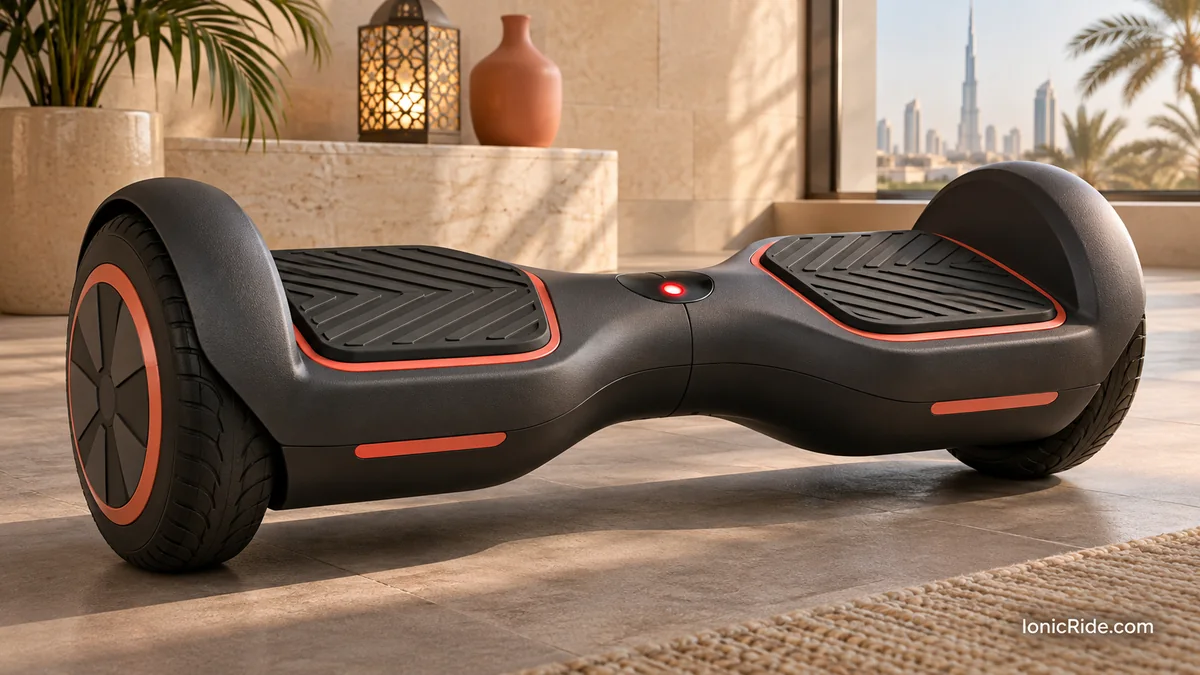
Step 1: work out which kind of warning it is
| What you see | It may be | What to do |
|---|---|---|
| Red light on the charger only | Normal charging on some models | Check your manual. Stay nearby, and unplug it when finished |
| Red or flashing light with beeps, near the end of a ride | Low battery on some models | Get off, then charge with the supplied charger |
| Red running or fault light, with a stop | System error on some models | Stop riding, and check the manual or support |
| One side tilts or the board pulls | Balance or calibration issue | Do not ride to test it. Follow your manual’s procedure, if it has one |
| Beeping at speed, or tilting back | Speed warning on some models | Slow down and stop safely |
This table is IonicRide’s summary of the manuals below. It helps you find the right part of your manual. It does not replace it.
Step 2: read your model’s meaning
These examples show why no single answer works.
| Model | Red light | Beeps and tilt |
|---|---|---|
| Hover-1 H1 (manual copy) | Battery light red: 10% or lower. Running light red: system error, so stop riding. Charger light red: charging | Beeps at top speed and tilts back. Tilting past 17 degrees while riding can power it off abruptly |
| Fluxx FX3 | LEDs flash red with a beep: battery almost empty. Charger red: charging | No tilt indicator described |
| Segway Ninebot S (manual copy) | No red light described. Power icon flashes when low | Keeps beeping at extremely low power. For intermittent beeps, check the reason in the app. Tilts back and alarms when too fast |
| Jetson boards | Red or flashing red: Jetson suggests recalibrating | A lot of beeping or out-of-control spinning: Jetson suggests recalibrating |
Step 3: if it points to low battery
- Step off and turn the board off.
- Check that the charger is the supplied one. Compare its label with the manual. Hover-1 names its charger model, and Fluxx warns that other adapters may cause a fire risk.
- Charge where you can stay nearby, away from anything flammable. The US CPSC advises against unattended or overnight charging.
- Do not charge a board that is hot from the sun. Let it cool in the shade first. Our guide to charging in apartments has more on this.
If it will not charge, or the warning returns straight away, stop and contact the supplier.

Step 4: calibrate only if your manual supports it
Calibration tells the board what level is. The steps differ, and some manuals do not include them. The Ninebot S manual copy we read has no calibration procedure, so do not invent one for it.
| Model | Maker’s procedure, in short |
|---|---|
| Razor Hovertrax 2.0 and DLX 2.0 | Level surface and level platforms. Hold power about 15 to 20 seconds until it beeps and lights flash, then turn off |
| Jetson boards | Off, on a level surface, footbeds level. Hold power 3 to 5 seconds (Sphere: 15). Release at the signal, then off and on. Up to three attempts |
| Swagtron T8 (manual copy) | Off and level. Hold power to switch on, then about six more seconds until a beep. Press to shut off, then press to start |
| Hover-1 H1 (manual copy) | Off, level, charger unplugged. Hold power 15 seconds. Off, then on. Press power twice to finish |
| Fluxx FX3 | Off and level. Hold power 10 seconds until LEDs flash. Press off, then on. Up to three times |
Use these only for the named models. Follow the full version in your manual.
- ☐ Use a flat, level surface indoors or in the shade.
- ☐ Unplug the charger.
- ☐ Put no weight on the board. Jetson warns against leaning on it during the process.
- ☐ Keep children and pets away, in case it moves when powered on.
- ☐ Afterwards, turn it on and watch it with nobody standing on it.
Do not ride to check whether it worked. If it still tilts, spins, beeps or shows red, stop and contact support. Jetson also says to contact support if a board still will not balance.
What not to do
- Do not open the case, the battery or the cells.
- Do not use a different charger because it “fits”.
- Do not stand on one side to see if it corrects itself.
- Do not ride in water or over rough ground to test it. The Ninebot S manual warns about loss of traction from water deeper than 2 cm and obstacles.
- Do not ignore a repeating safety alert. Hover-1’s manual tells riders not to.
What to tell the supplier
- ☐ Brand, exact model, serial number and purchase date
- ☐ Which light came on, its colour, and whether it flashes
- ☐ The number and pattern of beeps, or any app message
- ☐ Whether it happened at start-up, during riding or while charging
- ☐ Charger label details
- ☐ Any crash, water or heat exposure
- ☐ The checks you did, and a short video if safe
Unfamiliar word? See our e-scooter and e-bike glossary.
FAQs
How many beeps mean a fault?
There is no universal count. Use your exact manual or ask the supplier.
Why does my hoverboard tilt to one side when turned on?
Some makers link this to calibration, but it can also be a fault. Follow your manual once. If it stays, stop using it and contact support.
Can heat cause warnings?
Manuals give temperature limits, such as 0 to 40°C for the Hover-1 H1. We do not have a maker’s statement linking a specific beep to UAE heat, so let the board cool, and ask the supplier if it continues.
Is the red light on my charger a problem?
On the Hover-1 H1 and Fluxx FX3, it means charging, and green means full. Check your model, and do not assume this for yours.
Bottom line
Treat every warning as model-specific. Handle low battery with the right charger, use calibration only when your manual supports it, and do not test a balance fault by riding. Stop at any sign of heat, damage or smoke, and leave the inside of the board to the supplier.
Related guides
Sources
By Alex at IonicRide. Sources checked 3 November 2026.