Electric Wheelchair Turns On but Won’t Move: User-Level Checks
Quick answer
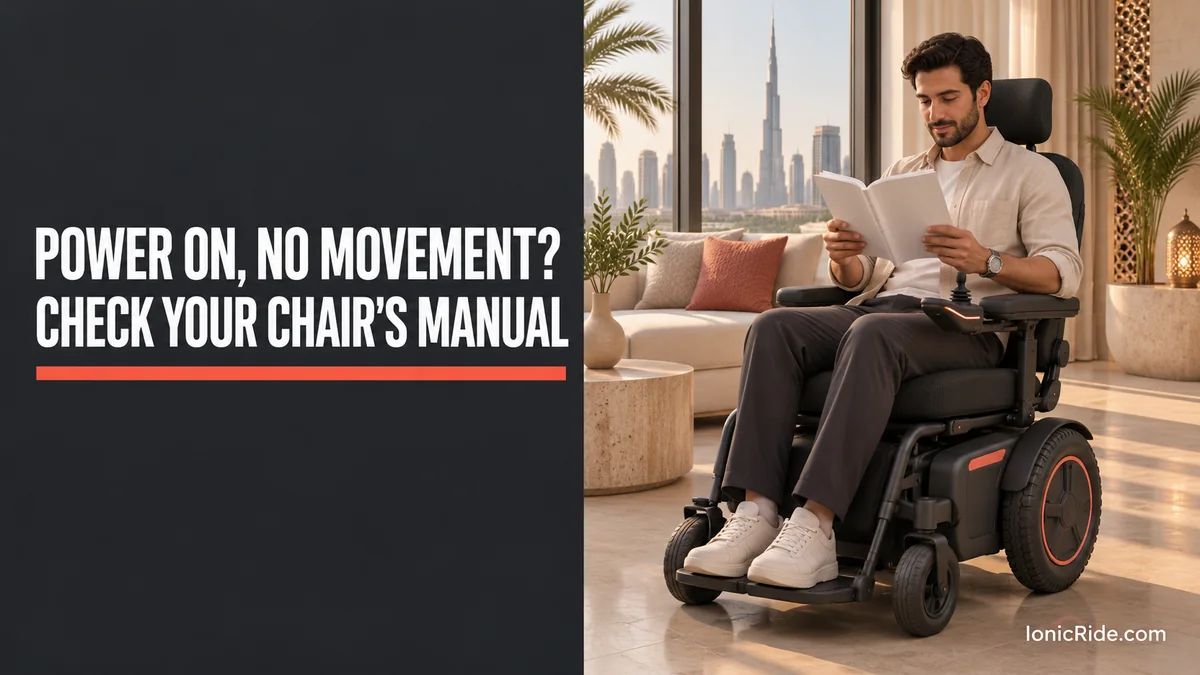
First make sure you are safe, and get help if you are on a slope, a road or in the heat. Then, with your manual, check that the charger is unplugged, the drive levers are in drive and not freewheel, and the joystick was centred at switch-on. Check the battery level, any lock mode and any flashing fault. Do not bypass a brake, change settings or open a battery. If a fault stays, call your service provider.
How this guide was made: We read manuals and maker support pages for the chairs and controllers named below on 3 November 2026. Some are hosted copies. IonicRide has not tested these steps. Lock methods and fault codes differ by controller, so use your own manual. For a chair with no power, or for repeated faults, contact your supplier.
Be safe first
- Stuck on a slope, near traffic or in the heat? Call someone to help, and call emergency services if you are in danger.
- Turn the power off before anyone reaches near the wheels.
- Do not use freewheel on a slope, or while seated, unless your manual says you can. The chair may roll with no braking.
- Use a helper for any lever or check you cannot reach safely.
Checks to do first
These come from Pride Mobility’s support article (July 2026), and the manuals below. Do them in order, on level ground, with a helper if you need one.
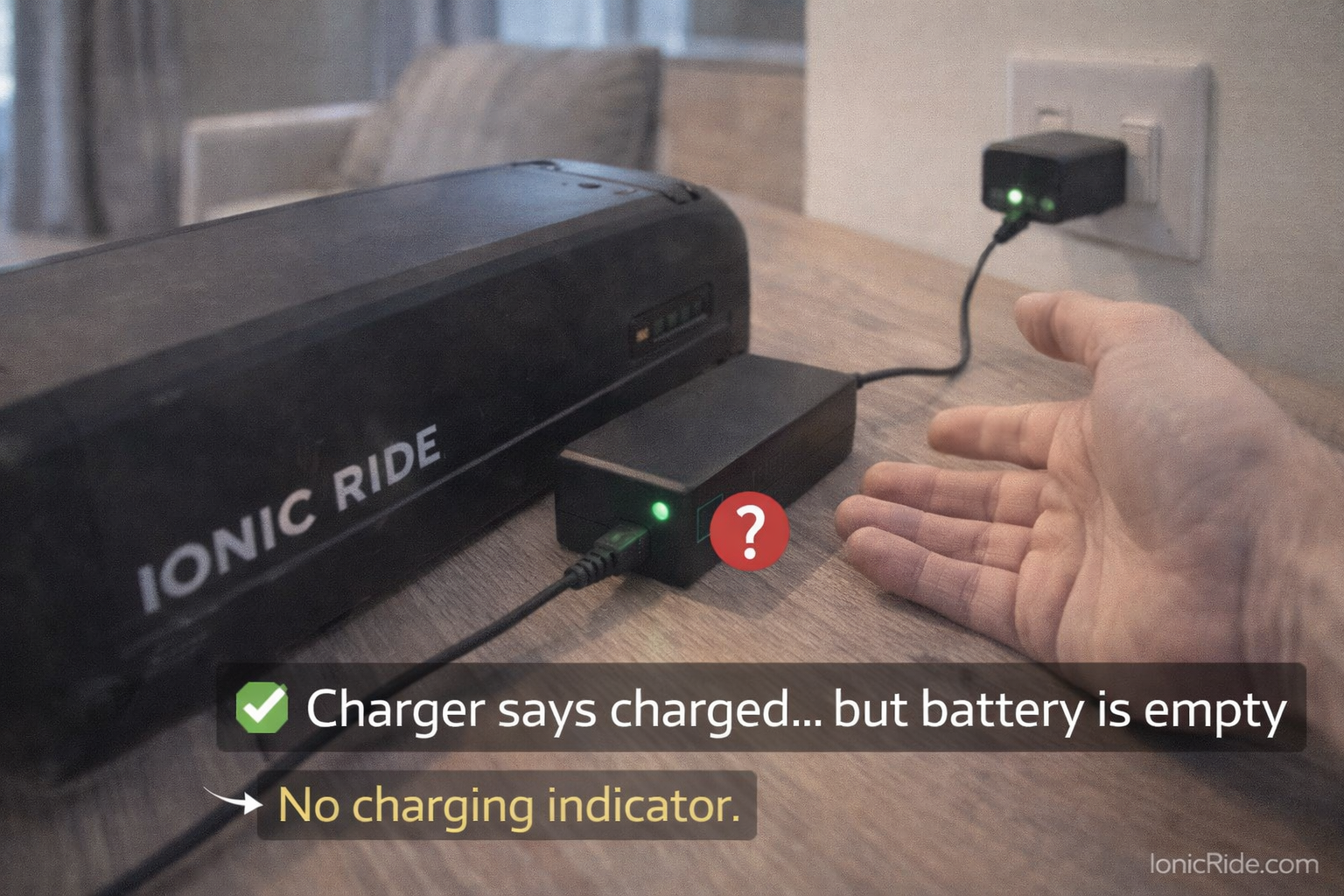
- Charger: many chairs will not drive while charging. Unplug the charger from the chair. Your display may show this. See our guide to safe charging at home, which is written for scooters but covers similar fire risks.
- Drive levers: check whether the chair is in freewheel. Pride says to turn the device off, make sure the lever is fully in drive, then restart. Location differs by model, and a chair may have two levers.
- Joystick: Pride says a joystick moved at start-up can block operation. Turn it off, let the joystick return to centre, and turn it on again without touching it.
- Battery: check the gauge. Pride says a low or poorly seated battery can stop the chair. Check only what your manual allows. Do not open the pack.
- Sleep mode: a chair left unused may go into power-saving mode. Restart it once.
- Obstructions: with the power off, look for straps, cords, clothing or debris near the wheels.
- Display: note any flashes, beeps or message. Record it before restarting, and look it up in your manual.
Pride warns against repeatedly restarting the chair. If one restart does not help, stop and call for service.
What named manuals say
Use this only for the named product. A similar joystick may behave differently. Check your manual or the label on your controller.
| Product | Charger connected | Freewheel or brake | Joystick | Lock |
|---|---|---|---|---|
| Pride Jazzy Select (GC controller) | LEDs ripple left to right, and the chair will not drive | Check both levers. 9 flashes: park brake connection, check freewheel | 7 flashes: centre it, then power off and on | LEDs light one at a time: forward, then back, until each beep |
| VR2 controller (Pride manual) | 6 flashes: charge inhibit | 9 flashes: park brake connection fault | Lights ripple side to side: not centred at power-on | Max speed indicator ripples: forward, then back, until each beep |
| Dynamic Shark (manual copy) | Will not drive while charging | Not found in the section we read | Speedometer LEDs flash: centre it. If it stays, stop using the chair and call a service agent | If enabled: switch on, then press the horn twice within 10 seconds |
| Invacare FDX (manual copy) | E28: “Charger plugged in” | E9 or E10: motor locks disengaged. Engage as the manual explains | Not on the page we read | Not on the page we read |
| Permobil CJ R-net joystick | “Drive inhibit” shown by a red pulse | Not covered in this document | Not covered in this document | Not covered in this document |
This table is a summary, so read your full manual. Keep your speed setting low when you first test the chair after a check.
Flashes and fault codes
Do not borrow codes from another chair. For example, on Pride’s Jazzy Select and VR2 documents:
- 1 flash: batteries need charging or have a bad connection.
- 2 or 4 flashes: a bad motor connection on one side.
- 3 or 5 flashes: motor shorted to a battery connection. Contact your provider.
- 8 flashes: control system fault.
- 10 flashes: excessive voltage.
The Dynamic Shark manual, by contrast, uses “Flash Code 2” for a battery that is too full or completely empty. So the same number can mean different things.
Even where a manual mentions checking connections, stop if you are unsure, and ask the provider. Do not unplug motor or controller connectors with the power on.
What not to do
- Do not bypass or disconnect a motor brake, or wedge a freewheel lever.
- Do not change controller settings or use programming tools.
- Do not open the battery, motor or controller.
- Do not use a different charger, or an extension cord where your manual forbids it. Pride prohibits extension cords when charging.
- Do not keep restarting the chair if a fault returns.
- Do not ride in freewheel, or leave a chair in freewheel on any slope.
- Do not drive after a fault returns just to get home, if the chair behaves unpredictably. Call for help.
Stop using it and call for service if:
- The chair moves by itself, or does not stop when you release the joystick
- The brakes do not hold when in drive
- You notice heat, smoke, a smell, or a swollen or leaking battery
- A fault code stays after the manual’s steps
- A cable or connector is damaged
- The chair has been dropped, flooded or damaged
If you notice smoke or fire, move away and call emergency services.

What to tell your service provider
- ☐ Chair brand, model and serial number, sent privately
- ☐ Joystick or controller model, if shown
- ☐ Exact flash pattern, beeps or message, with a photo or video
- ☐ Which checks you did, including the levers and charger
- ☐ When it started, and any recent transport, flight, wash, repair or knock
- ☐ Battery level, and whether it was charging normally
- ☐ Whether you are safe and have a backup chair
- ☐ Where the chair is, and how it can be moved safely
Save your supplier’s number before you need it, and ask about the repair time and a loan chair. Buying a new chair? Ask these questions first, and see our guides to electric wheelchairs and mobility scooters.
FAQs
Why does my wheelchair have lights but no drive?
Electronics can run while the drive is inhibited. Common documented causes include a connected charger, a freewheel lever, an off-centre joystick and a lock mode. Your manual decides.
How do I unlock my wheelchair joystick?
It depends on the controller. Pride’s VR2 uses joystick movements, while the Dynamic Shark uses the horn button if the lock is enabled. Check your manual or provider.
Can someone push my chair home?
Only following your manual’s freewheel instructions, on level ground, with a helper, and never with the rider in place unless the manual allows it. Pride warns against sitting on the device in freewheel, unless directed by the manual.
Could the heat be the cause?
Possibly, but we did not find a code to link this for all chairs. Move to shade if safe, and ask your provider. Check your manual for temperature limits.
Bottom line
Most useful checks are simple: be safe, unplug the charger, return to drive, centre the joystick, and read the flashes in your own manual. If that does not solve it, stop. Leave brakes, batteries and controllers to your authorised service provider.
Related guides
Sources
By Alex at IonicRide. Sources checked 3 November 2026.