Electric Scooter Bluetooth Not Connecting: Xiaomi, Segway and Other Models
Quick answer
Most connection problems come from four simple things: phone Bluetooth or Location is off, the app lacks permission, the phone is too far away, or the app is out of date. Check those first, then restart the app and scooter. If the app says the scooter belongs to another account, the problem is ownership, not Bluetooth, and a reset may not solve it.
This guide is for a scooter that powers on but will not appear or connect in its app. If it does not power on at all, start with our guide to a scooter that won’t turn on.
How this guide was made: IonicRide has not tested these steps on each model. They come from manufacturer support pages and manuals, checked on 3 November 2026. Steps change between models, so follow the page or manual for your exact scooter.
First, work out which problem you have
| What you see | Likely problem | Next step |
|---|---|---|
| The app cannot find the scooter | Phone settings, distance, app version or scooter battery | Use the six checks below |
| The scooter appears, but connecting fails | App data, region or a stored Bluetooth link | Use your brand’s section below |
| A new scooter beeps and stays slow | It may not be activated yet | See the Xiaomi activation note, or your manual |
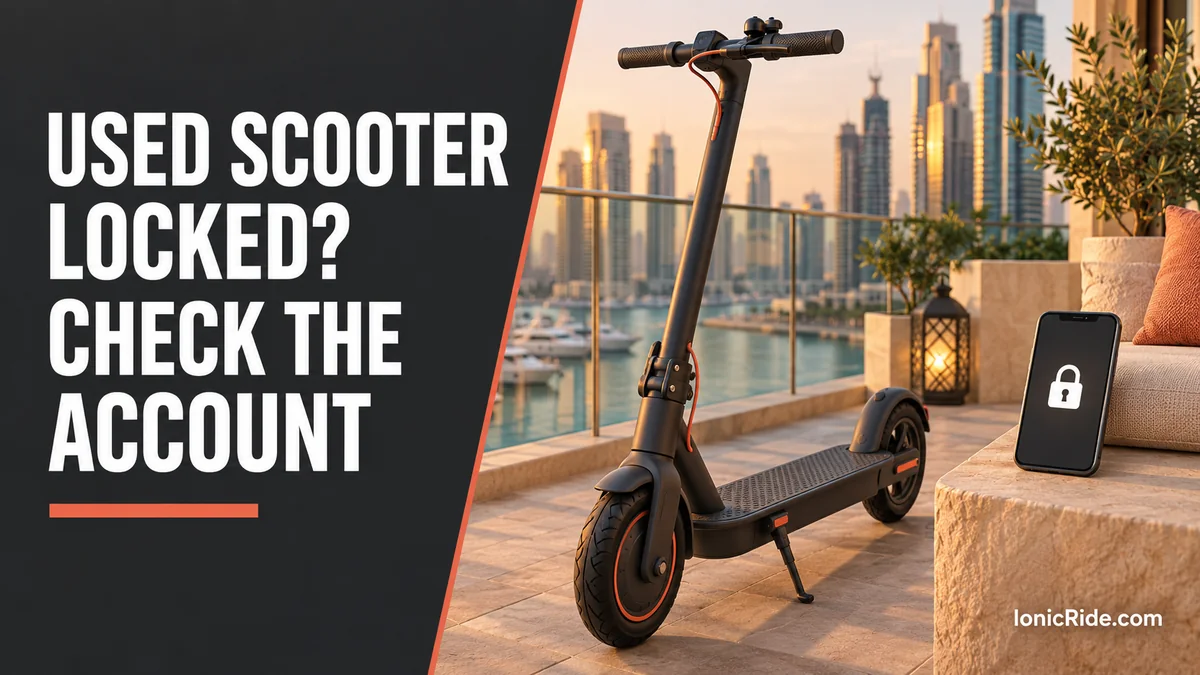
| The app says it is linked to another account | Account ownership | Contact the seller or brand with proof of purchase |
| Your model has no app listed | It may not support Bluetooth | Check the manual first |
Six checks for any scooter
- Confirm the right app. The manual or the QR code on the scooter normally shows it. Xiaomi models we checked use Mi Home/Xiaomi Home. The Segway manual we checked uses the Segway-Ninebot app.
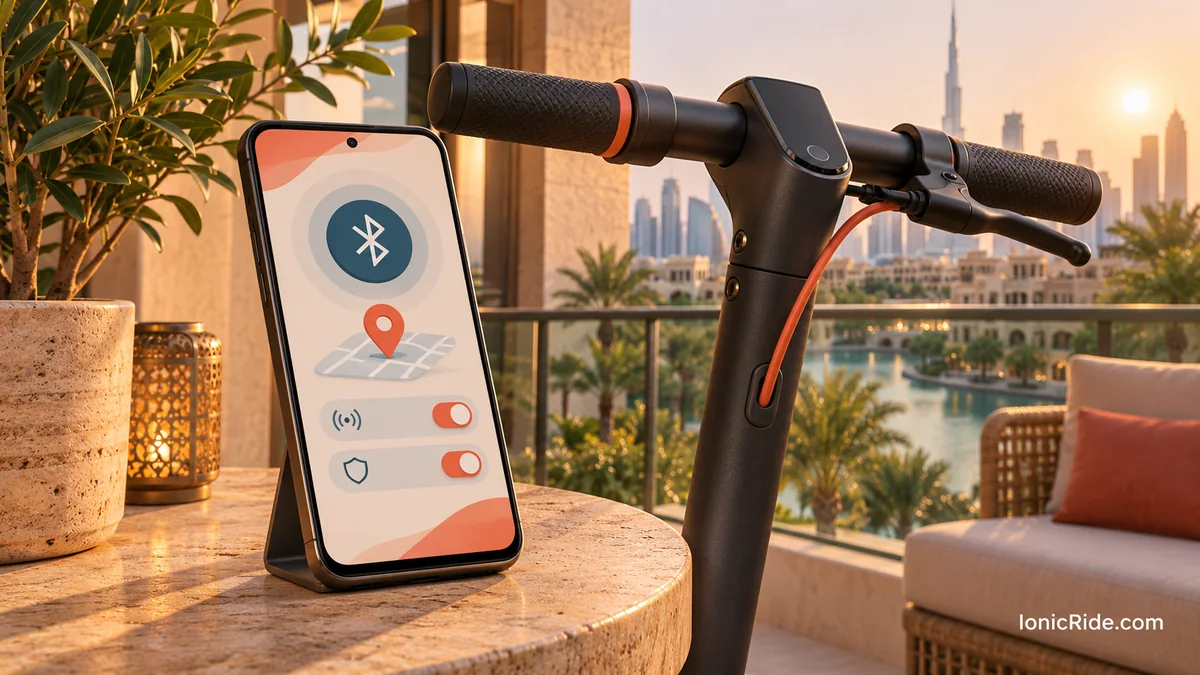
- Turn on Bluetooth and Location. Xiaomi asks for both on the phone, and for the app to have Bluetooth, GPS and network permission.
- Stand close. Xiaomi’s support page for the 4 Pro says to stay within 5 metres. Closer is better while you pair.
- Charge the scooter. Xiaomi also lists enough battery charge as a requirement.
- Restart both. Close the app, turn off the scooter, then start them again.
- Update the app. An old app version is one of the causes Xiaomi lists.
Also check that no other phone is already connected. A nearby family member’s phone may hold the connection. This is IonicRide’s practical suggestion, not a step from Xiaomi’s page.
Xiaomi: official connection steps
Xiaomi’s support page for the Electric Scooter 4 Pro gives a longer order of checks. After the basics above, it suggests:
- Check whether the phone can find the scooter in the app’s Bluetooth settings.
- Try another phone. This shows whether the fault follows the phone or the scooter.
- Clear the app’s cache.
- Check that the correct region is selected in the app.
- Reinstall the app from the official app store.
The region check can matter if a scooter or phone account was set up in another country. Xiaomi’s page does not say which region fits each scooter, so ask the seller or Xiaomi support if you are unsure.
If it is a new Xiaomi scooter
On the Electric Scooter 5 Pro, Xiaomi says an unactivated scooter keeps beeping and is limited to 10 km/h. You add it by scanning its QR code in the app, then watching the riding guide video to the end. Leaving the video early can make activation fail.
If Xiaomi’s Bluetooth needs resetting
The Xiaomi 4 Lite manual gives a Bluetooth reset: with the scooter on, hold the accelerator fully down and press the power button five times quickly. It should buzz and the Bluetooth icon should blink. Check your own manual first, as other button sequences can restore more settings. Our reset guide covers resets in more detail.
Xiaomi’s pages for the Electric Scooter 6 and Electric Scooter 5 list the same core causes: Bluetooth off, phone too far away and an old app. If the problem continues, the Scooter 6 page says to contact Xiaomi after-sales service.
Segway-Ninebot: what the manuals confirm
The F2 Pro manual says to install the Segway-Ninebot app, create an account and follow the prompts to activate the scooter. A Bluetooth icon on the dashboard shows when the scooter is connected to a phone.
- Icon on: the scooter is connected, so the fault may be in the app or account.
- Icon off: work through the six checks above, then restart both devices.
- Still failing: contact your seller or Segway support with your model name, app version and the exact error.
We could not open a current official Segway article with a full connection checklist, so we have not listed unofficial steps as Segway instructions. See our Segway-Ninebot model guide to confirm your model.
Other brands
Do not copy Xiaomi or Segway button sequences to another brand. Sequences differ, and not every scooter has Bluetooth. Look for a Bluetooth icon on the display, an app QR code on the scooter, or an app section in the manual. If none exists, a failed connection may simply mean the model has no app feature. Our Xiaomi model guide can also help you identify a Xiaomi scooter.
When a factory reset is the wrong next step
- It may erase settings. Xiaomi says a factory restore on the Electric Scooter 5 Max deletes all stored data.
- It may not remove an account link. That Xiaomi method starts by deleting the scooter from the app. Do not assume buttons alone can clear another person’s account.
- It does not fix phone settings. Check permissions and the app first.
What to send to support
- Exact model name, plus the label or serial number
- Your phone model and operating system version
- App version and selected region
- A screenshot of the error message
- Your invoice, and whether you bought it new or used
- The steps you have already tried
Do not post your serial number or account details publicly.
FAQs
Can I ride if Bluetooth will not connect?
It depends on the model and its activation state. Xiaomi says an unactivated 5 Pro stays limited to 10 km/h, so finish activation first. Dubai riders must also follow the local e-scooter rules, whichever speed the app allows.
Why does the app need Location?
Xiaomi lists Location as a phone setting needed for connecting. Follow your phone’s permission prompts when you set up the scooter.
Will a different phone help?
It is a useful test, and Xiaomi suggests it. If another phone connects, the scooter’s Bluetooth is probably working and the first phone or its app needs attention.
Bottom line
Start with the phone: Bluetooth, Location, permissions, distance and app version. Then restart, reinstall and try another phone. Use a reset only as your own manual describes it. If an account message appears, stop treating it as a Bluetooth fault and contact support or the seller.
Related guides
- Used scooter locked to the previous owner
- How to find your scooter model and serial number
- Electric scooter buying guide for Dubai
Sources
By Alex at IonicRide. Sources checked 3 November 2026.